Video Conferencing & Collaboration for DFW Businesses
Getting people into a room, whether physically or virtually, sounds like a solved problem until it isn't. Mismatched platforms, dead microphones, rooms that can't reliably join a call, and employees who default to their laptops because the conference room "never works" are common and avoidable. Adaptive IP Services designs, deploys, and tunes video conferencing and collaboration environments so that meetings start on time and the technology stays out of the way.
What we do
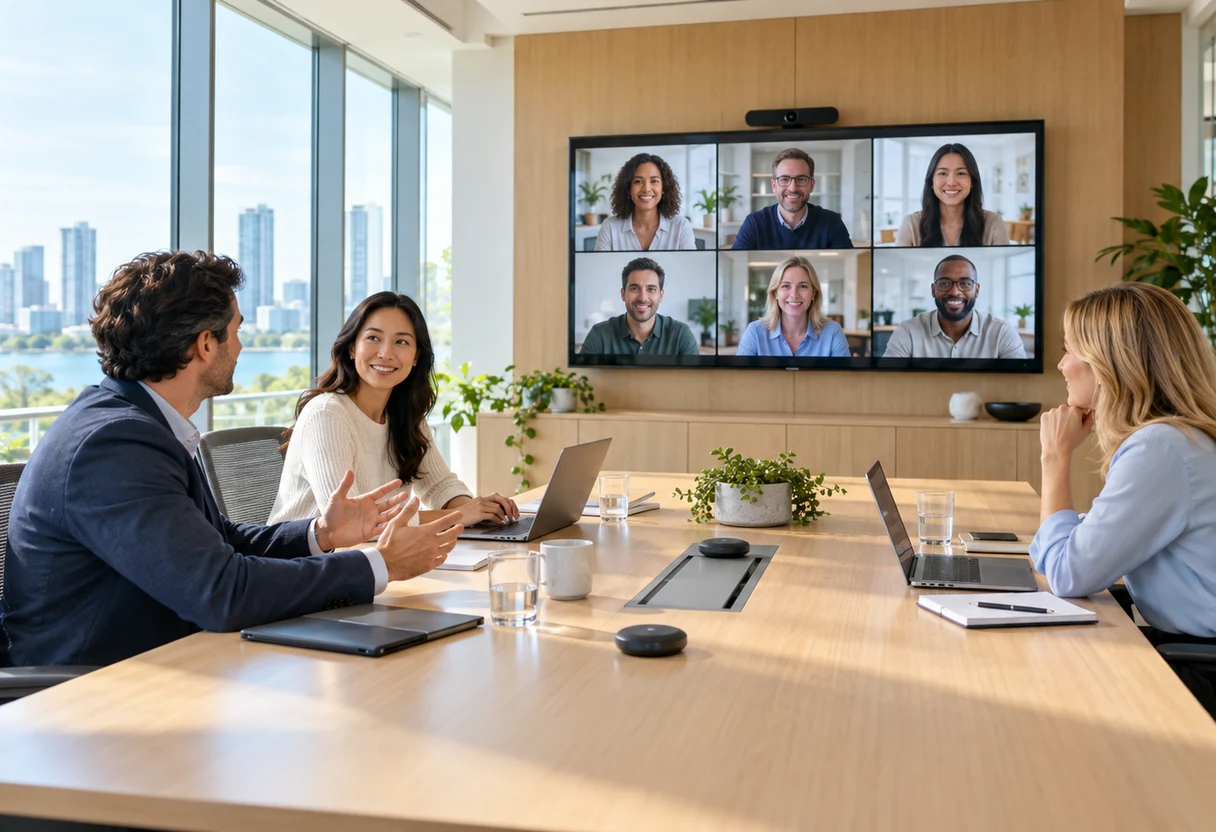
We handle the full stack: room hardware selection and installation, platform configuration and licensing, network readiness, and end-user training. Whether you need to build a boardroom from scratch, retrofit an existing space for hybrid meetings, or standardize collaboration tools across multiple offices, we work from a documented design and test everything before we hand it over.
Our work spans Zoom Rooms, Microsoft Teams Rooms (MTR), and Cisco Webex, not as resellers chasing margin, but as consultants accountable for the outcome. We integrate conferencing environments with your existing phone systems, calendaring, and directory infrastructure so the whole stack behaves like one system rather than a collection of disconnected tools.
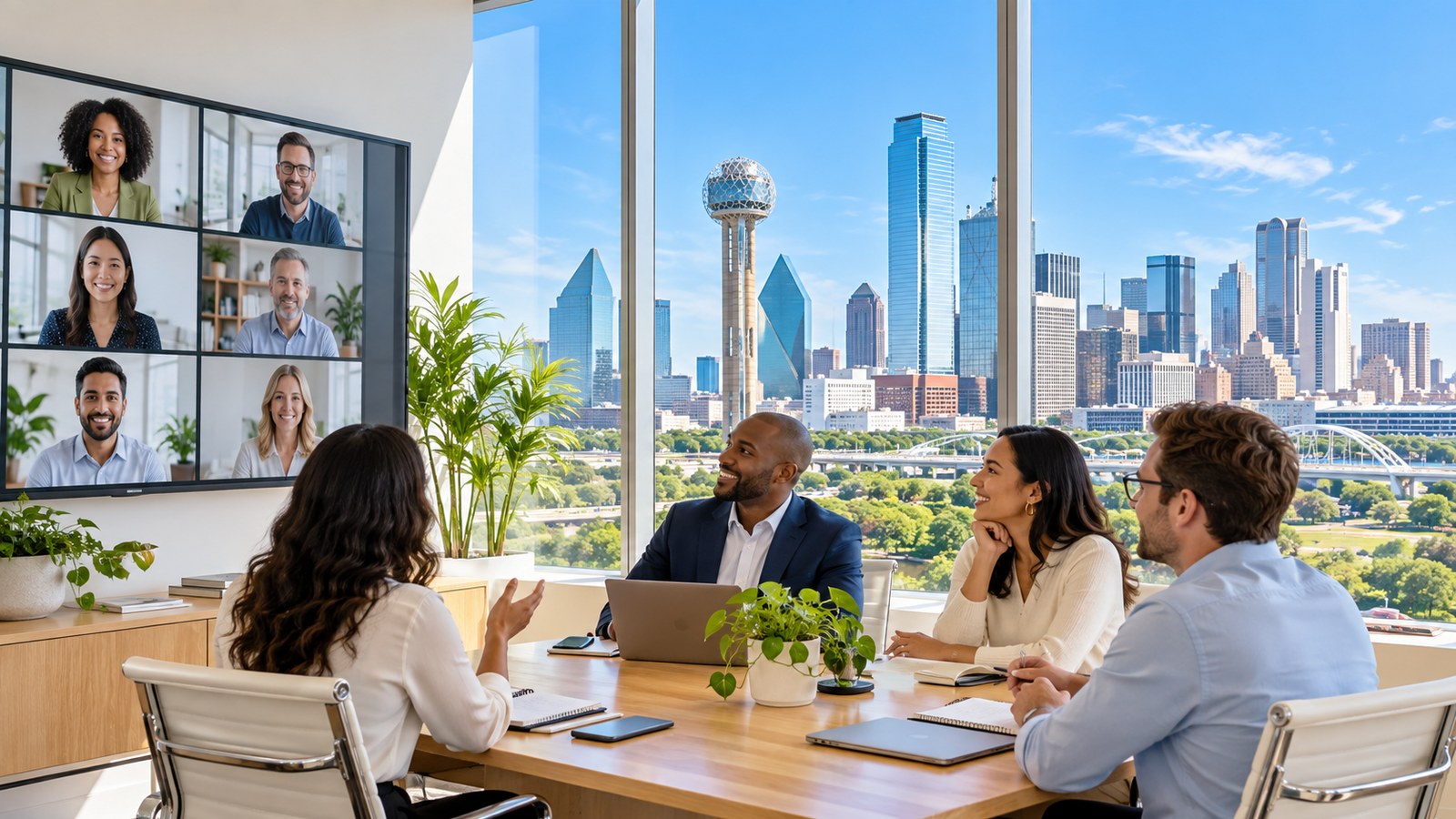
For organizations running hybrid workforces, we design meeting rooms that treat in-room and remote participants equally, correct camera framing, room acoustics that don't punish the person on the far end, and display layouts that make content sharing readable for everyone.
What's included
Conference room and boardroom AV design
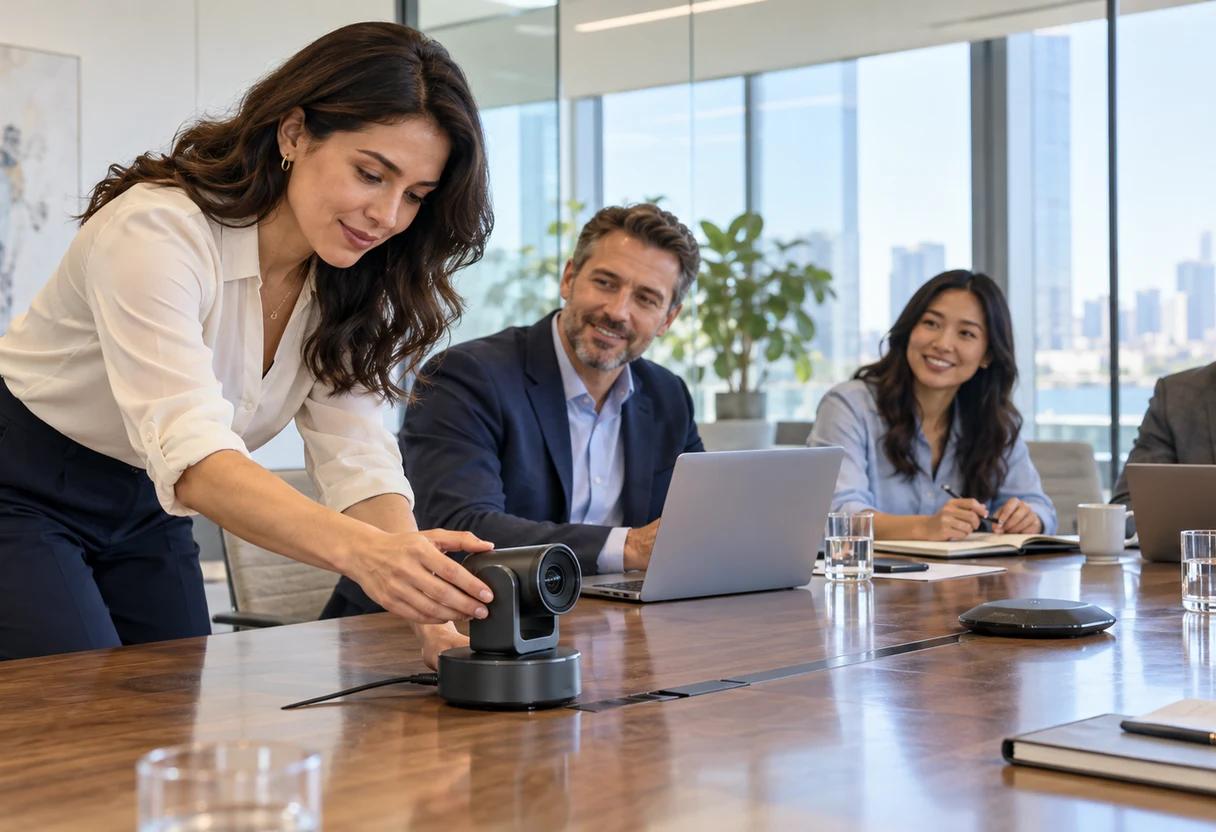
- Site assessment covering room dimensions, lighting, acoustic profile, and sightlines
- Hardware specification for cameras, microphones, speakers, and displays sized to the space
- Cabling, mounting, and installation coordinated to minimize disruption
- Integration with room control systems (touch panels, occupancy sensors)
Platform deployment and configuration
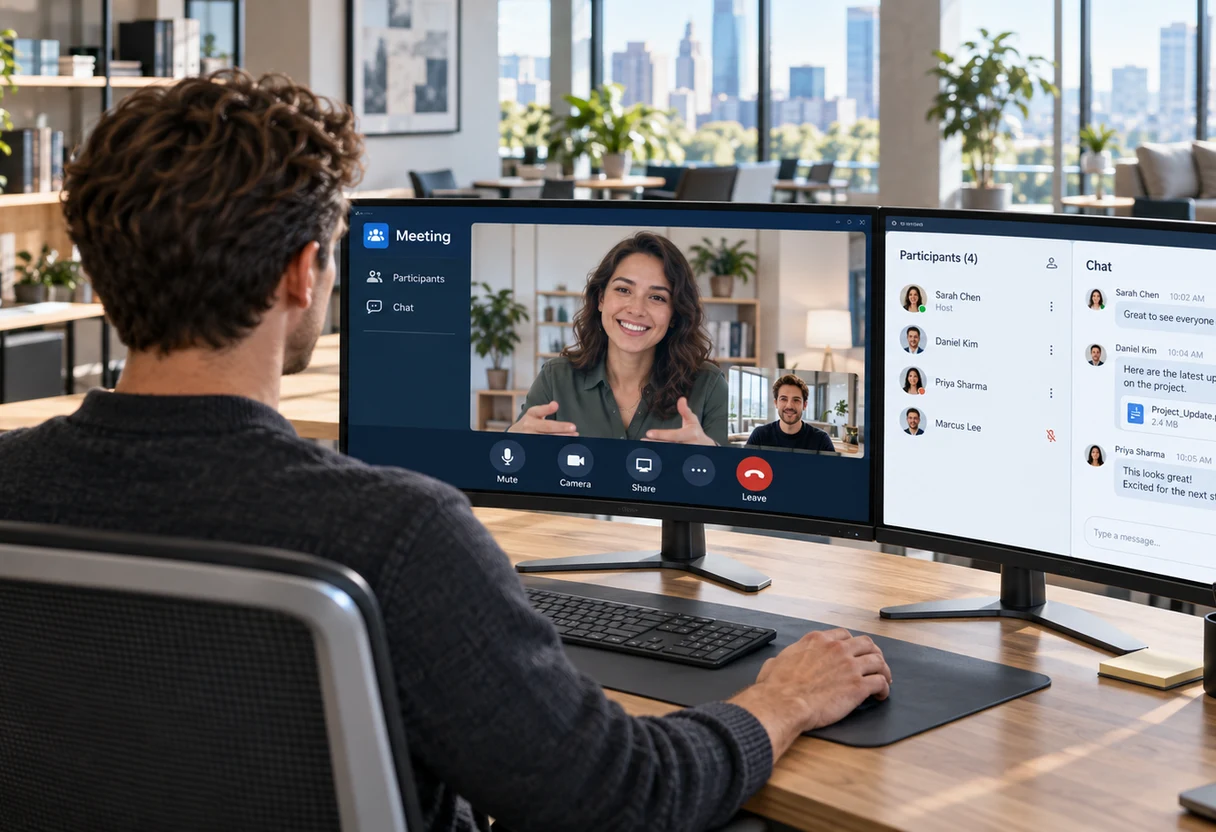
- Zoom Rooms, Microsoft Teams Rooms, and Cisco Webex deployment and licensing configuration
- Account provisioning, admin console setup, and policy configuration aligned to your security posture
- Single sign-on (SSO) and Azure Active Directory / Entra ID integration where applicable
- Guest access controls and external meeting policies
Hybrid meeting rooms
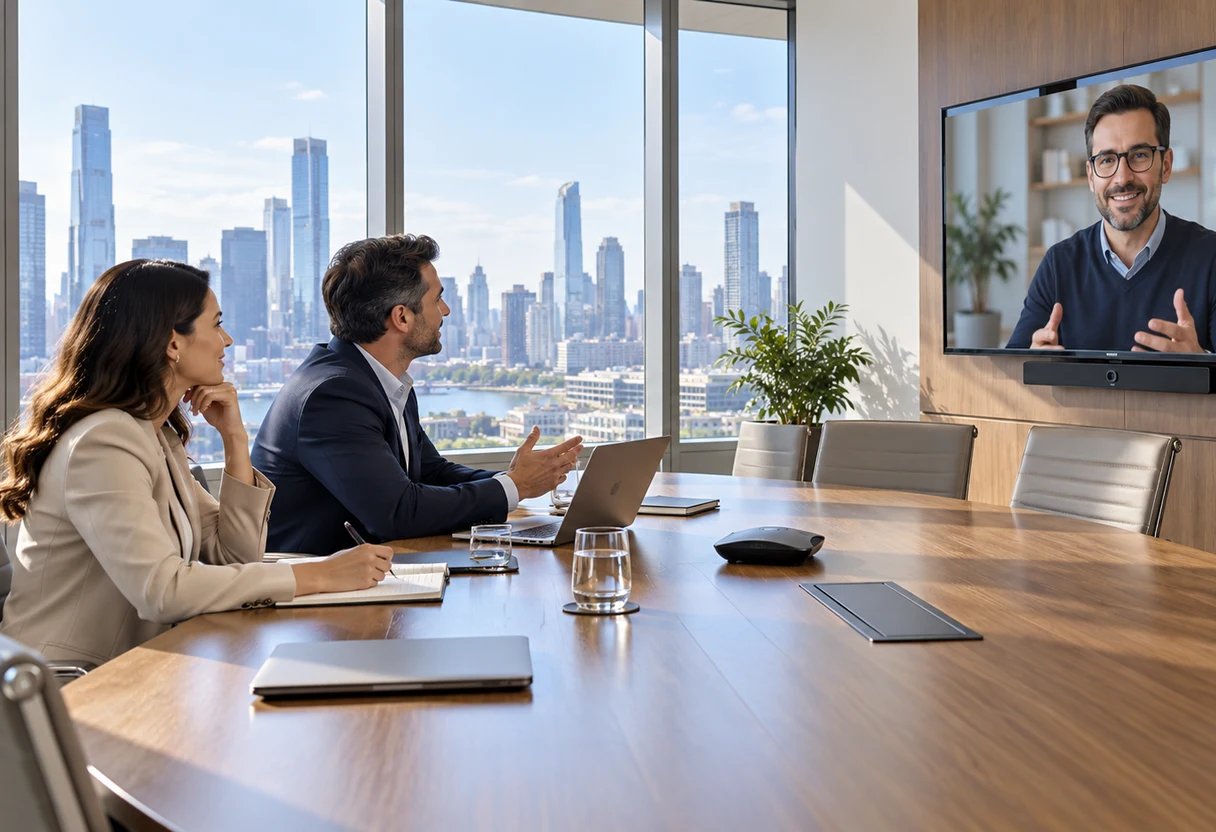
- Camera selection and placement for accurate framing of in-room participants (PTZ, AI-framing, wide-angle coverage based on room size)
- Ceiling array or beamforming microphone deployment for consistent audio pickup across the room
- Dual-display or front-of-room screen layouts that keep remote participants visible alongside shared content
- Acoustic treatment recommendations where the room requires it
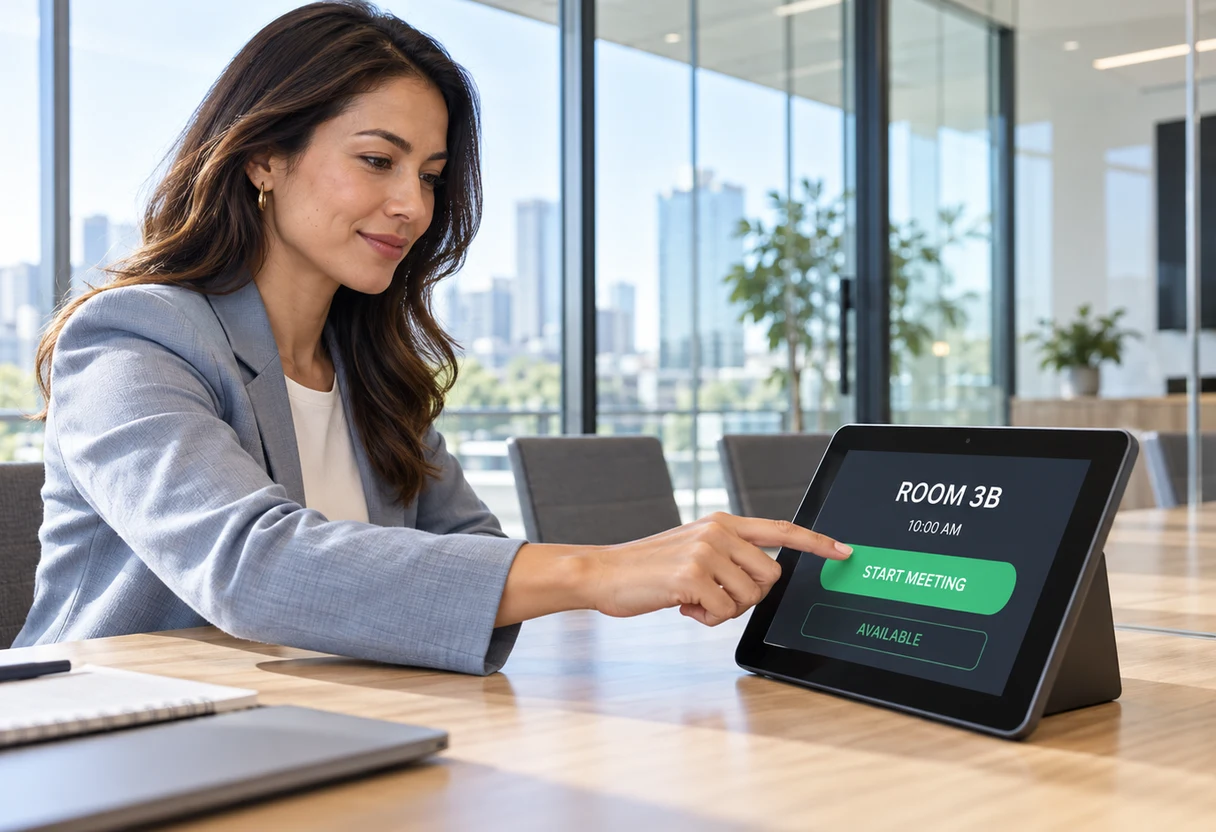
One-touch join and room calendaring
- Microsoft 365 or Google Workspace room resource configuration
- Touch panel programming for one-touch calendar join (no manual meeting ID entry)
- Room display scheduling panels showing current and upcoming bookings
- Automated room release and no-show handling where your platform supports it
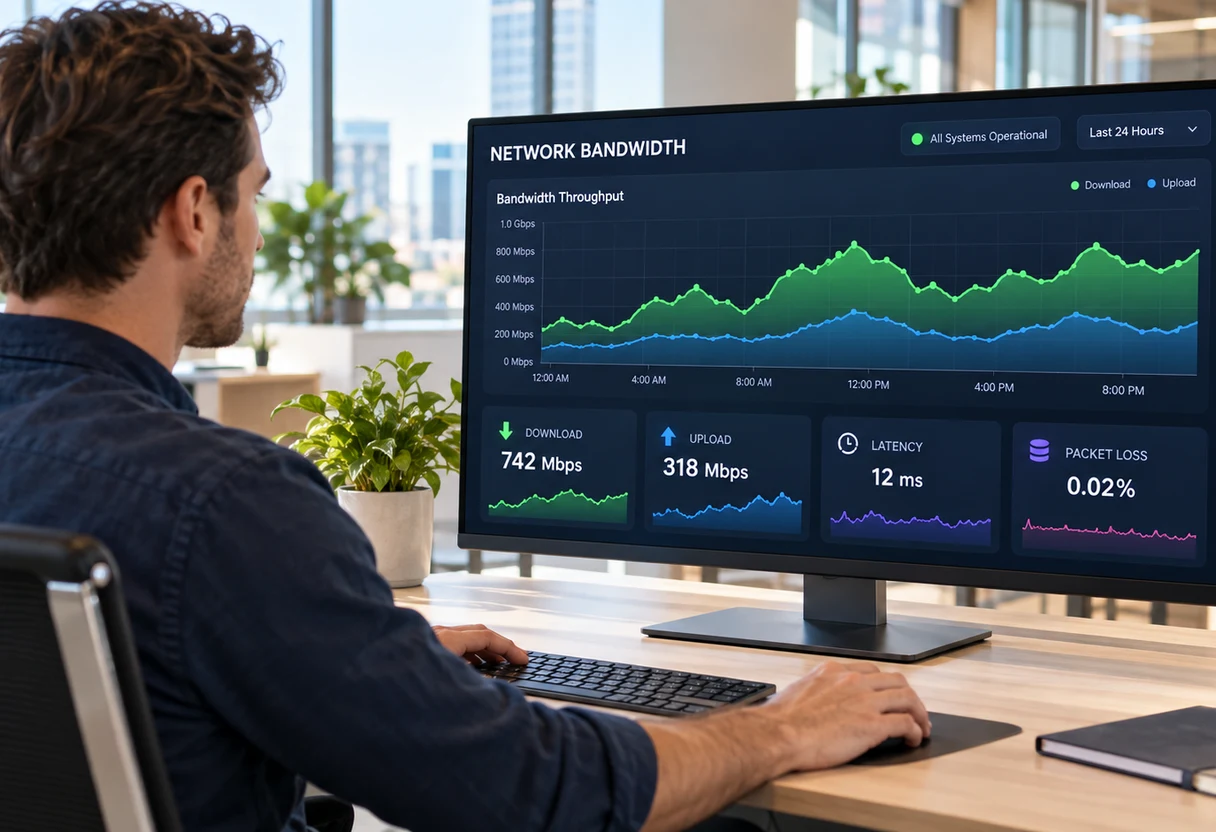
Network and bandwidth readiness
- Baseline assessment of available bandwidth per site against expected concurrent video load
- QoS (Quality of Service) policy configuration to prioritize real-time media traffic
- VLAN segmentation for AV devices where appropriate
- Wi-Fi versus wired analysis for room endpoints, with remediation recommendations if infrastructure gaps exist
- Firewall and proxy rule review for required cloud media relay endpoints (Zoom, Teams, Webex)
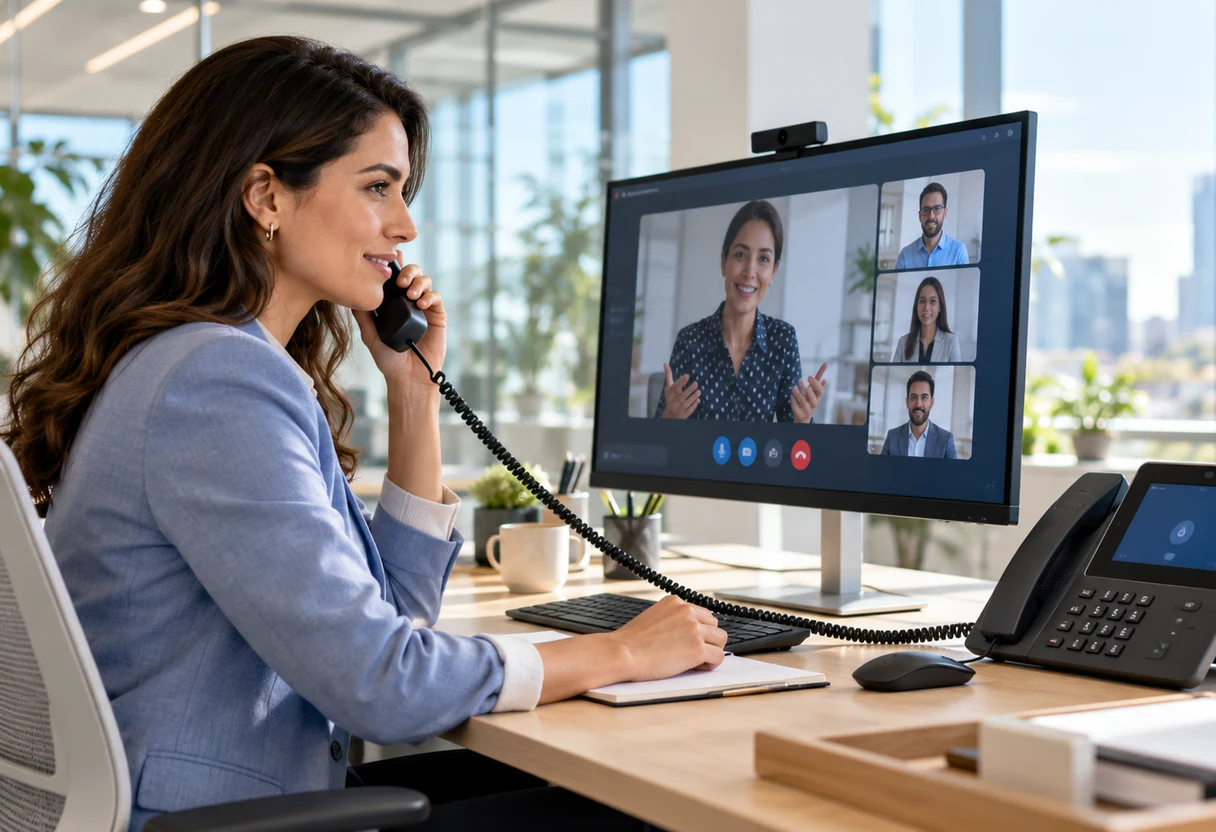
Integration with UC and phone systems
- Coordination with existing Microsoft Teams Phone, Cisco Unified Communications, or third-party PBX environments
- Dial-in PSTN configuration so rooms can bridge to legacy audio-only participants
- Directory synchronization so room systems surface correct contact and room names
- Call routing review to confirm video endpoints behave correctly within the broader phone environment
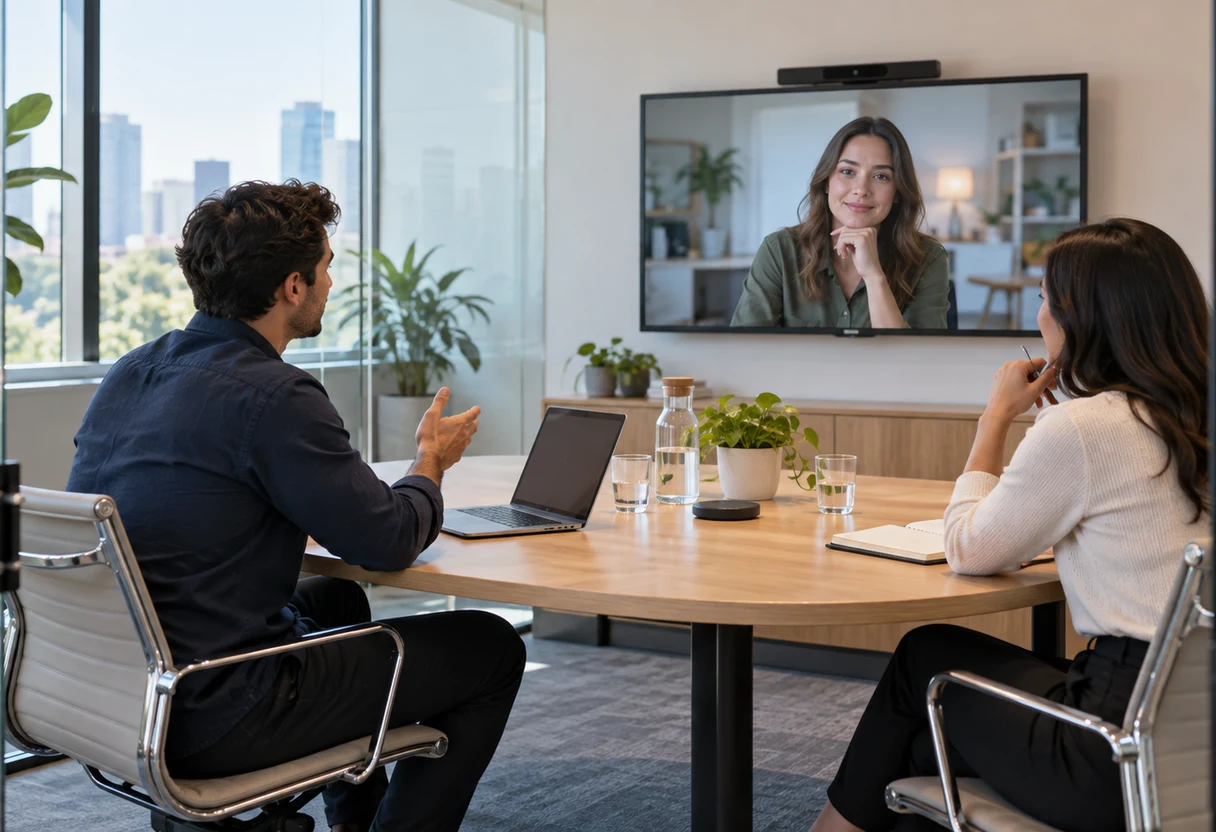
Huddle rooms and small-space solutions
- Right-sized hardware bundles for 2-4 person rooms without over-engineering the space
- USB-connected and all-in-one bar solutions (Logitech Rally Bar, Poly Studio, Jabra PanaCast, and similar) where appropriate
- Consistent configuration standards applied across small rooms so the end-user experience matches the boardroom
Multi-site standardization
- Standard room configuration templates applied across locations so staff walk into any office and operate the same way
- Centralized device management and remote monitoring where the platform supports it (Zoom Device Management, Teams Admin Center, Control Hub)
- Documentation of room standards, hardware bill of materials, and configuration baselines for internal IT reference
Training and adoption
- End-user walkthroughs for room hardware operation and platform features relevant to your workflows
- Admin training covering day-to-day management: adding users, managing rooms, pulling call quality reports
- Quick-reference materials built for your environment, not generic vendor docs
- Post-deployment check-in to address adoption gaps before they calcify into "we don't use that room"
Who it's for
This practice is relevant for DFW organizations that fall into one or more of these situations:
Growing companies outpacing their current setup. You added headcount or opened a second location and the conference room situation has become a recurring complaint. You need a reliable, standardized solution without a months-long enterprise procurement cycle.
Hybrid-first teams with inconsistent meeting experiences. Remote participants are consistently second-class in your meetings, audio is patchy, they can't see who's talking, or content sharing breaks down. The problem is hardware and configuration, not the platform license.
Microsoft 365 shops that haven't fully activated Teams Rooms. You're paying for Teams but your conference rooms are still running consumer webcams and a laptop dragged in from someone's desk. There's significant capability sitting unused.
Multi-site businesses that need consistency. Each office has a different setup, different platforms, different hardware, different procedures, and it creates friction every time someone tries to connect across locations. Standardization reduces support burden and end-user confusion.
Organizations planning an office buildout or renovation. The right time to design a conference room AV environment is before the walls go up, not after. We can work alongside your general contractor or AV integrator to ensure network, power, and mounting requirements are accounted for in the construction scope.
What you can expect
The engagement typically starts with a site walkthrough and a conversation about how your teams actually use meeting spaces, not just how many rooms you have. From there we produce a documented design, specify hardware, and agree on a deployment timeline before any purchases are made.
We don't arrive with a preferred vendor and back-fit your requirements to it. Hardware recommendations follow the room assessment and your existing platform investments.
After installation and configuration, we test every room under realistic meeting conditions, not just a quick call to confirm audio. QoS policies get validated with actual video traffic. One-touch join gets tested against your calendar system. Admin accounts get verified before we hand them over.
Ongoing, we can provide managed support for room systems under a monthly arrangement, or train your internal IT staff to own day-to-day management. Either way, you leave with documentation that isn't locked inside our heads.
Frequently asked questions
Do you install conference room hardware, or just configure software?
Both. We handle the full stack: room hardware selection and installation (cameras, microphones, speakers, displays), cabling and mounting, platform configuration and licensing, network readiness, and end-user training. We work from a documented design and test every room before handing it over.
Which platforms do you support, Zoom, Teams, or Webex?
All three. We deploy and configure Zoom Rooms, Microsoft Teams Rooms, and Cisco Webex. We work as consultants accountable for the outcome rather than resellers, so the platform recommendation follows your existing investments and the room, not a margin target.
We pay for Microsoft Teams but our rooms still use a webcam and a laptop. Can you fix that?
Yes, and it is one of the most common situations we see. If you are already paying for Teams, there is significant Teams Rooms capability sitting unused. We deploy proper room hardware and configure it against your Microsoft 365 tenant so the rooms match what you are already licensed for.
Can you make remote participants less of a second-class experience in hybrid meetings?
That is the point of a hybrid-room design. We select and place cameras for accurate framing, deploy ceiling-array or beamforming microphones for consistent audio, and use dual-display layouts that keep remote participants visible alongside shared content. Acoustic treatment is recommended where the room needs it.
We are building out or renovating office space. When should we involve you?
Before the walls go up. The right time to design conference room AV is during construction planning, so network, power, and mounting requirements are in the build scope. We can work alongside your general contractor or AV integrator so nothing gets missed.
Let's fix your meeting rooms
If your conference rooms are a recurring complaint or remote participants keep getting a second-class experience, we can design and tune rooms that just work.
Or email: info@adaptiveips.com